


One of our sales representatives will contact you shortly.
For the attendee, the ideal security check is invisible. Traditional methods—searching for QR codes, fumbling with lanyards, or presenting physical ID cards—introduce friction and bottlenecks. In high-stakes environments like G7 summits or Fortune 500 shareholder meetings, these delays are unacceptable risks.
The InEvent Face-ID Engine eliminates the physical credential entirely. The user’s face becomes the immutable key. This shifts the paradigm from "What you have" (a badge/phone) to "Who you are" (biometric topology).
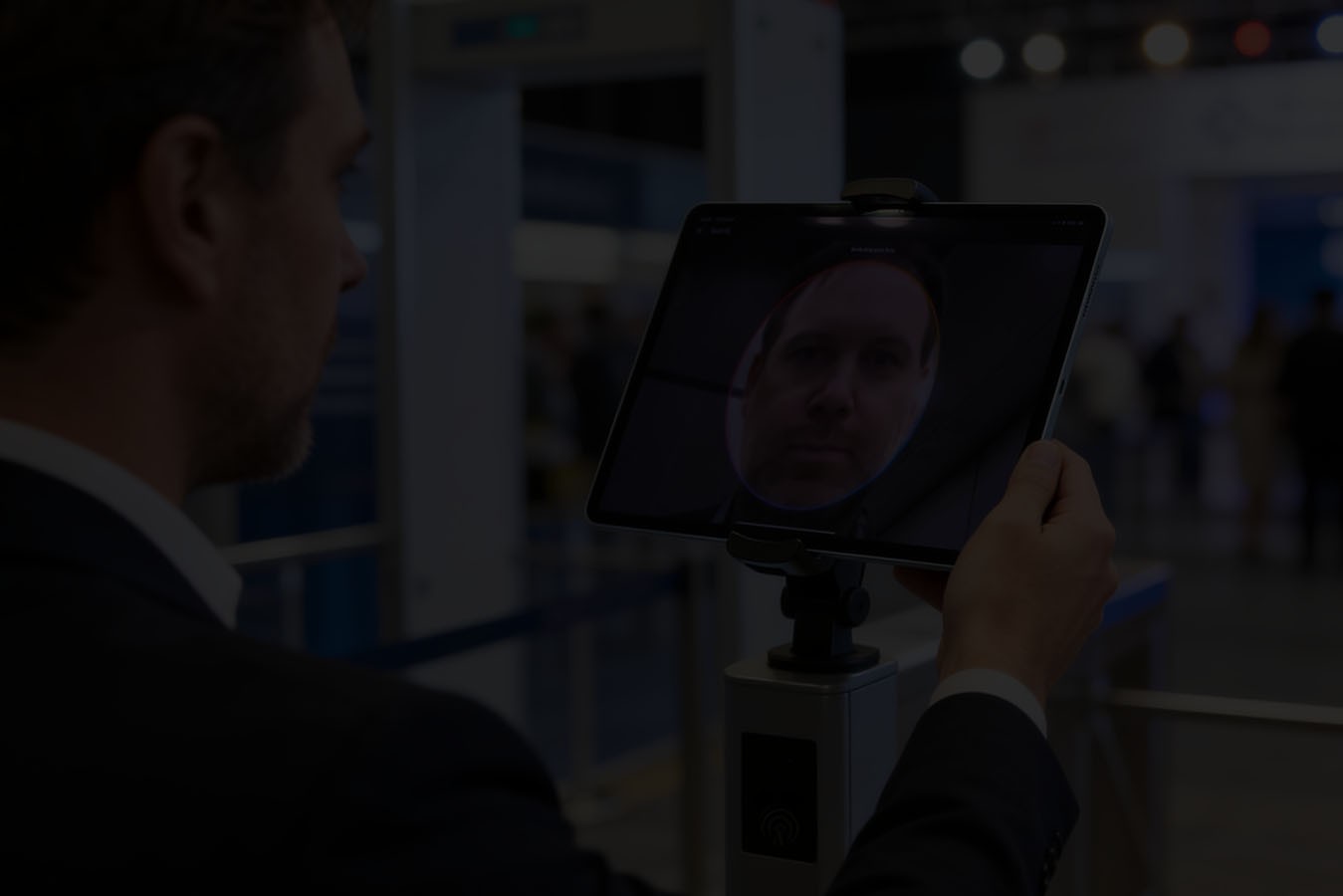
We utilize advanced computer vision algorithms to map the geometry of the human face. Leveraging the same engine that powers our InEvent AI Smart Check-In, the system identifies attendees in milliseconds as they approach the kiosk.
The process functions on a "Look and Go" basis.
Detection: As the attendee approaches the terminal (within 1.5 meters), the camera sensor detects a human face.
Liveness Check: The system analyzes depth perception and micro-movements to ensure the subject is a living person, not a photograph or a screen (anti-spoofing).
Vector Analysis: The AI maps 128 distinct nodal points on the face—distance between eyes, nose width, jawline contour.
Matching: The system compares this realtime vector map against the encrypted hash stored in the local database.
Authorization: Upon a >99.8% match confidence, the system triggers the entry gate or prints the badge.
This entire sequence occurs in approximately 200–500 milliseconds. The user does not need to stop, pose, or touch a screen. This throughput capability allows a single kiosk to process 10–12 attendees per minute, significantly outpacing manual QR scanning.
Is facial recognition check-in secure?
Yes. Provided the platform uses biometric hashing rather than storing raw images. InEvent converts facial features into a unique encrypted code string. This data is protected by SOC 2 compliance standards and is deleted automatically post-event to ensure privacy.
The most common misconception regarding biometric security is that the vendor builds a database of photographs. InEvent explicitly rejects this architecture. We utilize a Biometric Hashing protocol.
When a user uploads a photo during registration, the InEvent Secure Vault immediately processes the image. The system extracts the mathematical topology (the vector map) and converts it into a unique alphanumeric string (the hash).
Crucially, this process is one-way. You cannot reverse-engineer the original photograph from the hash string, just as you cannot recreate a credit card number from its encryption token. Once the system generates the hash, it permanently deletes the source image from the authentication database.
Security is not a feature; it is our baseline. InEvent has achieved SOC 2 Type 1 Compliance, Confirming Top-Tier Security, ensuring that all biometric data is handled with bank-grade encryption. This certification validates that our controls regarding security, availability, and processing integrity meet the rigorous standards defined by the AICPA. We do not ask clients to trust us; we provide the audit trails that prove our posture.
InEvent treats biometric hashes as "Tier 1 Sensitive Data." We apply defense-in-depth strategies to protect this asset.
1. Data in Transit (TLS 1.3):
When the kiosk communicates with the cloud server, or when the user uploads their initial photo, we encrypt the transmission tunnel using Transport Layer Security (TLS) 1.3. We employ strong cipher suites to prevent Man-in-the-Middle (MITM) attacks. We reject legacy SSL protocols.
2. Data at Rest (AES-256):
We encrypt the stored hashes using the Advanced Encryption Standard (AES) with 256-bit keys. This is the industry gold standard, approved for Top Secret information by the NSA. Even in the statistically impossible event of a database breach, the attacker would retrieve only indecipherable ciphertext, not biometric data.
3. Key Management:
We rotate encryption keys regularly using a hardware security module (HSM). The keys reside in a separate architectural layer from the data itself, preventing a single point of compromise.
Privacy laws do not ban facial recognition; they regulate consent. The InEvent Privacy Shield architecture adheres strictly to the General Data Protection Regulation (GDPR) in Europe, the California Consumer Privacy Act (CCPA), and LGPD in Brazil. We operate as the Data Processor, while the Client acts as the Data Controller. We provide the tools necessary for the Controller to remain compliant.
We prohibit "Passive Surveillance." You cannot use InEvent to scan crowds without their knowledge. We enforce a strict Explicit Consent workflow.
Registration: During the registration form process, the attendee encounters a specific "Biometric Opt-In" field.
Clear Language: The UI explicitly states: "I consent to the use of facial analysis for check-in purposes."
Active Choice: The checkbox is unchecked by default. The user must actively select it.
Alternative Routes: If a user declines, they receive a standard QR code. The onsite operations team must provide a non-biometric entry lane (e.g., a standard scanning counter) to ensure no discrimination against those who opt out.
GDPR mandates that users have the right to erase their personal data. The InEvent Secure Vault automates this.
User-Led Deletion: An attendee can log into their app profile at any time and select "Remove Biometric Data." The system instantly purges the hash from the active database.
Automated Retention Policies: The Client sets a data retention period (e.g., 24 hours after event closure). Once this timer expires, the system executes a hard delete command, wiping all biometric hashes from the server. We do not retain data for "model training" or future cross-event matching unless explicitly authorized by the user for a recurring membership series.

While security drives the architecture, utility drives adoption. The biometric token serves a dual purpose. It streamlines content delivery.
Transforming Event Photography with InEvent Photo Match AI, allows attendees to find their photos instantly by uploading a selfie. In a traditional workflow, attendees scroll through thousands of gallery images to find themselves.
With Photo Match, the system utilizes the same biometric vectoring engine to index event photography.
Ingestion: Photographers upload raw galleries to the InEvent cloud.
Indexing: The AI scans the crowd shots, identifies faces, and matches them against the existing biometric hashes of registered attendees.
Delivery: The system tags the specific attendee and delivers a personalized gallery directly to their mobile app.
This feature transforms the biometric opt-in from a "security clearance" into a "value-add," significantly increasing user adoption rates. Users willingly opt-in to facial recognition because they want their photos delivered automatically.
We designed the InEvent Face-ID Engine to run on consumer hardware, reducing the total cost of ownership for the client. You do not need proprietary, $5,000 biometric pylons.
Supported Hardware:
iPad Pro (M-Series Chips): We recommend iPad Pros utilizing Apple’s Silicon (M1/M2) for the fastest neural processing capabilities. The Neural Engine in these chips handles the vector mapping locally, reducing latency.
Windows Surface Pro: Fully supported for enterprise environments requiring Windows-based management.
External Webcams: For desktop-based registration counters, we support high-definition (1080p/4K) webcams (Logitech Brio series) to capture the initial reference image.
Algorithm accuracy depends on data quality. The Ops Team must control the physical environment.
Frontal Lighting: Position kiosks away from strong backlighting (e.g., direct sunlight through a glass lobby wall). Backlighting creates silhouettes, which obscures facial nodal points.
Diffuse Light Sources: Use soft, diffuse LED ring lights or overhead lobby lighting to ensure the face is evenly illuminated.
No. We isolate biometric data strictly to the client's instance. We do not share, sell, or transfer hashes to government agencies, marketing firms, or other clients. The data exists solely to facilitate entry for that specific event.
Yes. The Biometric module is entirely optional. You can disable it at the global event level. Furthermore, you can enable it for specific user groups (e.g., "VIPs" and "Speakers") while leaving it disabled for "General Admission."




