


One of our sales representatives will contact you shortly.
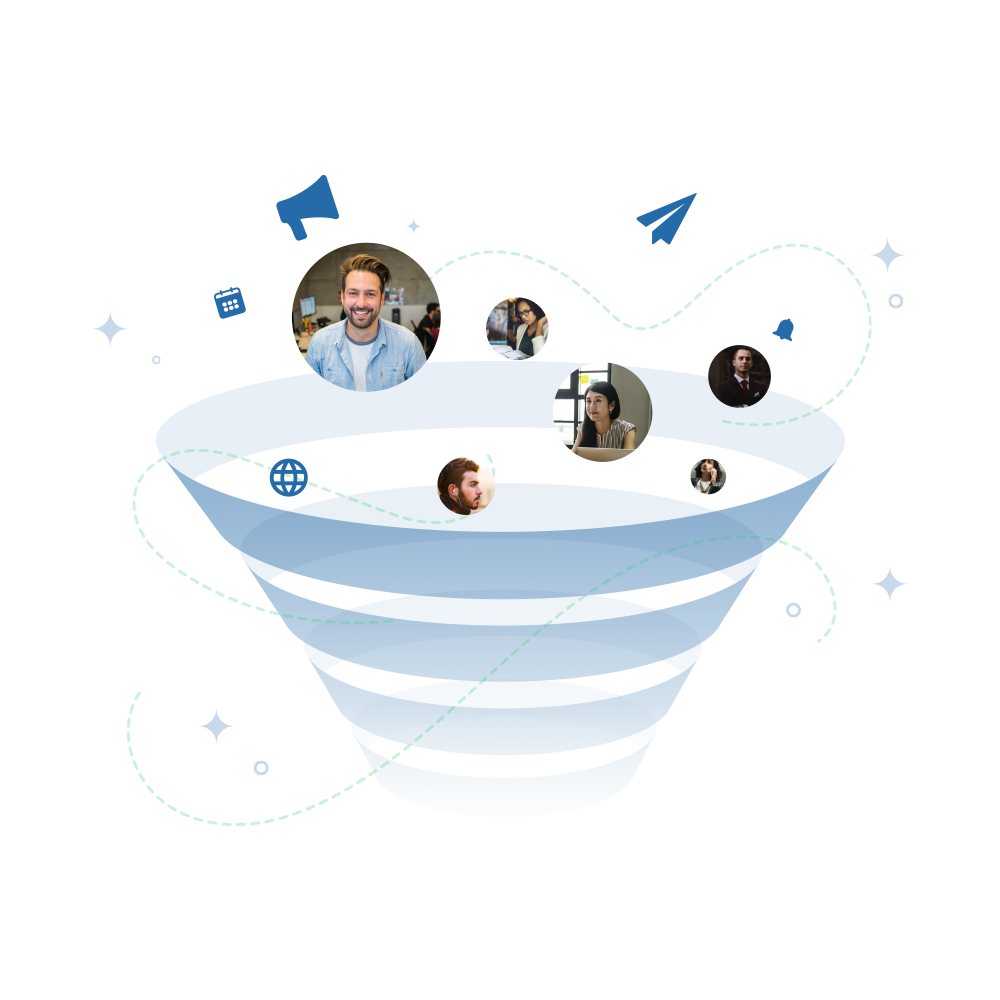
Manual event marketing breaks the moment you try to scale it. One event is manageable. Five starts to hurt. Ten across regions, formats, and audiences turns into late nights, rushed follow-ups, and missed opportunities. Registrations get tracked in one place. Attendance lives in another. Follow-up depends on who remembered to export what—and when.
That’s not a people problem. It’s a systems problem.
Events are uniquely suited for marketing automation because they generate clear, time-bound signals. Someone registers. Someone shows up. Someone attends a session. Someone books a meeting. These are moments of intent that automation can react to—instantly—without guessing. When automation is designed around real event behavior, it doesn’t feel generic. It feels timely.
But there’s a catch.
Over-automation is just as dangerous as no automation. Blast everyone with the same emails. Trigger follow-ups without context. Fire workflows that ignore what actually happened at the event. That’s how automation turns robotic—and how Sales stops paying attention.
The goal isn’t to replace human judgment. It’s to support it.
Good marketing automation for events acts like a co-pilot. It handles the repetitive work. It routes high-intent signals to the right teams. It nudges attendees at the right moment with the right message. And it stays quiet when it should. Automation should make your team faster and more focused, not louder.
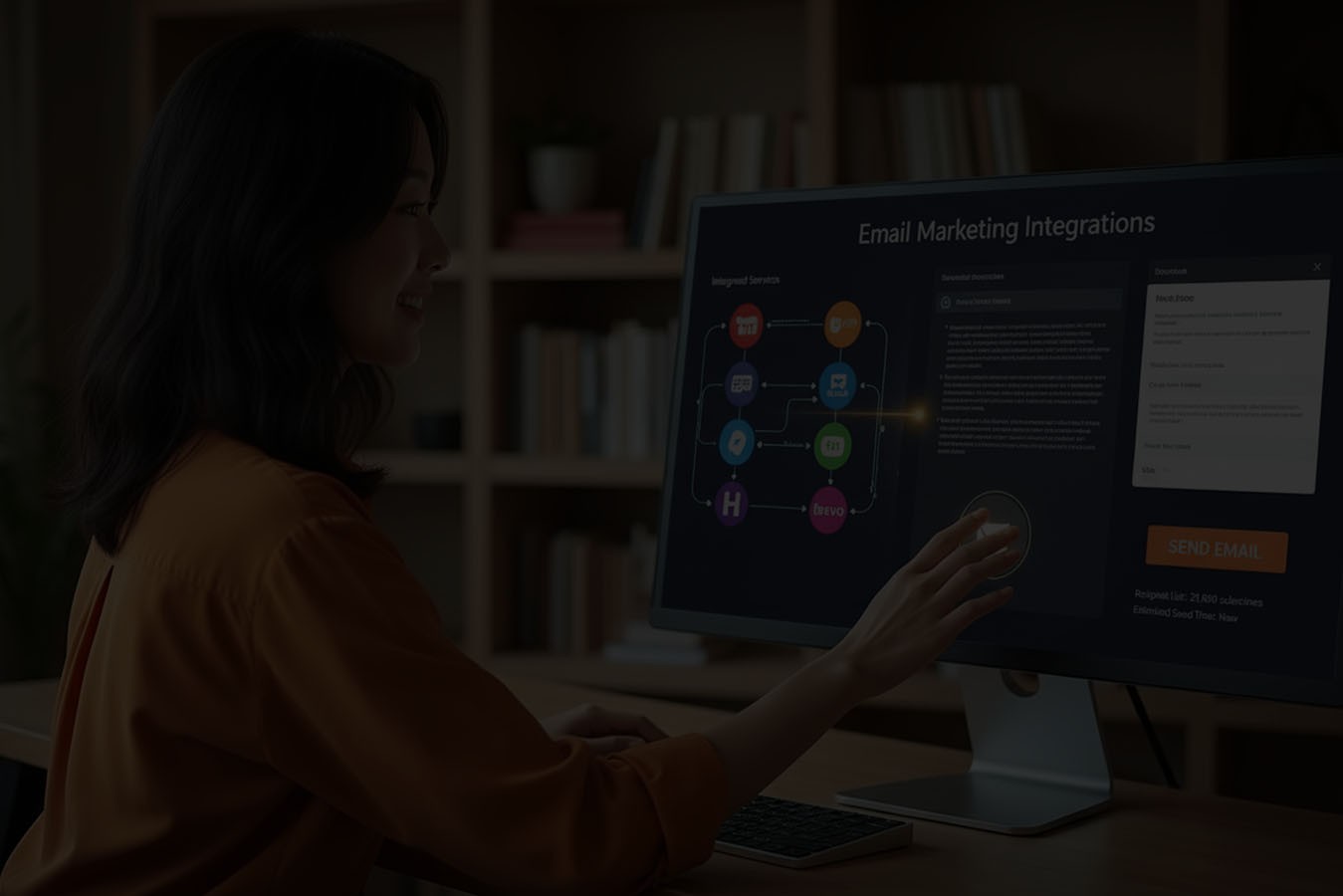
This is the approach behind InEvent. Event automation is designed to react to live behavior across in-person, hybrid, and virtual events—while staying connected to your CRM and existing workflows. You can see how integrations and automation fit together here.
When automation is assistive, not robotic, event journeys feel personal at scale. And that’s when automation stops being a buzzword and starts driving real conversion.
Most marketing automation systems are built around a simple assumption: the buyer journey is linear. Someone downloads content. They get nurtured. They score points. They move stages. That model works—until you introduce events.
Events are not linear. They’re live, emotional, and unpredictable.
Someone can register weeks in advance and never show up. Another person can walk in cold, attend one session, and book a meeting on the spot. Someone else might attend virtually, stay quiet, then follow up three weeks later ready to buy. Traditional automation struggles here because it expects clean paths and predictable timing. Events don’t behave that way.
This is where static workflows start to fail.
Pre-built email sequences don’t know who actually showed up. Lead scoring rules don’t account for live conversations. Nurture tracks keep running even when a sales rep is already in a meeting with the same person. Instead of helping, automation creates noise—and teams lose trust in it.
Events also compress time. Intent spikes during very specific moments: check-in, a session that hits home, a booth conversation, a meeting request. Traditional marketing automation isn’t designed to react inside those moments. It reacts after the fact, when the window has already closed.
And then there’s the human side.
Events trigger emotion in a way few other channels do. People invest time. They show up live. They engage with peers. Treating that experience like a generic form fill breaks the connection. When automation ignores what actually happened at the event, follow-up feels disconnected and impersonal—even if it’s technically “automated.”
This is why many teams feel stuck. They know automation is necessary to scale, but they’ve also seen it fall apart around events. The result is either under-automation—everything manual—or over-automation—everything firing, regardless of context.
The real issue isn’t events. It’s the automation model.
Events don’t fit traditional marketing automation. Automation has to adapt to events.
That means automation triggered by real behavior, not assumptions. It means workflows that can pause, accelerate, or change in response to real-time events. And it means treating events as dynamic environments, not static campaigns.
This is where platforms like InEvent take a different approach. Automation is designed around event moments—before, during, and after while staying connected to CRM data and revenue workflows.
When automation adapts to how events actually work, it stops breaking—and starts doing what it was meant to do: support real conversations at scale.

When people hear “marketing automation,” they often think about email sequences. Or calendar reminders. Or a post-event drip campaign that runs once everyone goes home. That definition falls apart the moment you apply it to events.
Marketing automation for events is not email automation.
Emails are just one output. Automation is the logic behind when something happens and why. If your automation can’t tell who actually showed up, what they engaged with, or what happened live, it’s not event automation—it’s scheduling.
It’s also not just reminders on a timeline.
Scheduled reminders assume everyone moves at the same pace. Events don’t work that way. Someone might register early and disengage. Someone else might register last minute and be highly active. Fixed schedules ignore these differences and create generic experiences that feel out of sync.
And it’s definitely not post-event nurture only.
Waiting until an event ends to “start automation” misses the highest-intent moments entirely. The most valuable signals happen before and during the event, not weeks later in a recap email.
So what does marketing automation mean in an event context?
First, it’s behavior-triggered automation. Actions matter more than dates. Registration, check-in, session attendance, meetings booked, booth visits—these are signals automation should respond to immediately. Behavior tells you intent. Automation should listen to behavior.
Second, it’s understanding real-time vs scheduled logic.
Real-time automation reacts inside the event. It can notify sales when someone checks in, personalize content during sessions, or pause nurture when a meeting happens. Scheduled logic still has value, especially for follow-up and reporting, but it shouldn’t be the only option.
Third, it requires event-aware automation rules.
Event automation needs to understand context. It should know the difference between registering and attending. Between passive viewing and active participation. Between a casual visit and a booked meeting. Without that awareness, automation fires blindly and loses credibility fast.
This is where platforms like InEvent change the model. Automation is designed around live event behavior across in-person, hybrid, and virtual formats—while staying connected to CRM data and revenue workflows.
In an event context, marketing automation isn’t about sending more messages. It’s about responding intelligently to what actually happened—so every action feels timely, relevant, and useful.
Real-time automation is where event marketing either delivers real value or completely misses the moment.
Batch automation waits. It assumes the event is over before anything meaningful can happen. By the time data syncs, lists are updated, and workflows fire, the highest-intent window is already gone. Conversations have cooled. Sales have moved on. Attendees barely remember what stood out.
Real-time automation flips that model.
When automation fires during an event, it reacts to what’s happening right now—not what happened last week. Attendance, session participation, meetings booked, booth interactions. These are live signals, and they matter most in the moment.
This is where InEvent quietly differentiates.
Events create compressed intent. Someone checking in, joining a session, or booking a meeting is signaling interest in real time. Waiting to act on that signal defeats the purpose of automation.
With real-time automation, marketing and sales don’t have to guess. They can respond while the attendee is still engaged, still present, and still thinking about the problem your event is addressing.
Real-time automation enables practical, immediate actions across marketing and sales systems:
Marketo and Eloqua can receive live attendance signals, allowing programs to update dynamically instead of waiting for post-event uploads. Attendees move through programs based on actual behavior, not assumptions.
HubSpot and Pardot can sync attendee actions to lists and workflows as they happen, triggering internal notifications or pausing generic nurture when engagement spikes.
Microsoft Dynamics integrations allow event activity to surface instantly at the account level, supporting enterprise sales and internal event scenarios.
Veeva enables regulated teams to sync leads and engagement data into their marketing and event modules without breaking compliance workflows.
ActiveProspect can source and validate leads from events in real time, improving lead quality before follow-up even begins.
You can review the full set of InEvent’s marketing and CRM integrations here
Real-time automation removes lag between teams. Sales doesn’t wait for marketing to “send the list.” Marketing doesn’t guess who sales cares about.
When a high-value account checks in or books a meeting, automation can alert sales instantly. When a conversation starts, marketing workflows can pause automatically. This prevents overlap, reduces noise, and protects the attendee experience.
The result isn’t louder marketing. It’s better-timed coordination.
InEvent’s approach isn’t about firing more automation. It’s about firing the right automation at the exact moment it matters—so events stop being reported on later and start driving action while they’re still happening.One of the fastest ways to kill trust in marketing automation is to trigger it on everything. Every click. Every view. Every partial action. What starts as automation quickly turns into noise—and Sales learns to ignore it.
For events, fewer triggers create higher confidence.
The job of event automation isn’t to react to every signal. It’s to surface the moments that indicate real intent and prioritize them for action. That’s how automation supports revenue instead of overwhelming teams.
Here are the triggers that consistently matter.
Check-in is the most underrated trigger in event automation. Registration shows interest. Check-in confirms commitment. Someone took time out of their day to show up—physically or virtually.
Automation triggered by check-in can update CRM records, alert account owners, or adjust follow-up logic immediately. It prevents Sales from chasing no-shows and ensures attention goes to people who are actually present.
Session attendance adds context to interest. Which topic someone chose matters. How long they stayed matters even more.
When automation reacts to session attendance, it enables smarter follow-up. Sales gets talking points. Marketing can segment based on real interests instead of guesswork. The result is outreach that feels relevant rather than generic.
Meetings are one of the strongest buying signals an event can produce. Automation should treat them accordingly.
When a meeting is booked, automation can pause nurture campaigns, notify the assigned sales rep, and prevent conflicting messages from being sent. This protects the experience and keeps teams aligned during high-intent moments.
Booth visits and badge scans represent active engagement, not passive consumption. These interactions indicate curiosity and willingness to talk.
Automation triggered by booth interactions can log activities in the CRM, flag priority accounts, or trigger internal follow-up tasks. The key is restraint—only meaningful interactions should fire automation, not every scan without context.
Sometimes, it’s not one action that matters—it’s the pattern. Multiple sessions attended. Repeated interactions. Long dwell time.
High engagement thresholds allow automation to summarize behavior into a single, confident signal. Instead of reacting to fragments, automation reacts to momentum. This is especially useful for large events where volume is high but sales attention is limited.
The principle is simple: automation should prioritize, not amplify.
Platforms like InEvent are designed to help teams focus on high-value triggers while filtering out noise. Event automation works best when it surfaces the moments that matter most—clearly, consistently, and in real time.
When automation is built around the right triggers, Sales trusts it. Marketing uses it. And events stop producing lists—and start producing action.
Event formats have multiplied, but automation shouldn’t. Whether someone attends in person, joins virtually, or does a mix of both, the logic that powers their journey should feel consistent, coherent, and connected.
That starts with format-agnostic automation logic.
Good event automation reacts to behavior, not format. A check-in at a venue and a virtual join both signal attendance. A session watched live and a session attended on-site both signal interest. Automation should treat these actions as equivalent intent signals—while still preserving detail for teams that need it.
This is where many programs break down.
Without normalization, hybrid events create fragmented journeys. An attendee who joins virtually might enter one workflow, while an in-person attendee enters another—even though they experienced the same content. That leads to duplicated messages, conflicting follow-ups, and confused sales teams.
Normalizing engagement signals solves this. Attendance becomes attendance. Engagement becomes engagement. Automation reacts to the meaning of the action, not the channel it came from. Sales sees one story in the CRM. Marketing runs one set of rules. Reporting stays clean.
Avoiding duplicate journeys is just as important. When automation tools aren’t event-aware, attendees can end up in multiple workflows at once—pre-event reminders still firing while in-event alerts go out, or post-event nurture overlapping with a live sales conversation.
Event-aware automation understands context. It pauses, resumes, or exits workflows based on what actually happened. That’s how automation feels coordinated instead of chaotic.
Platforms like InEvent are built for this reality. Automation logic spans in-person, hybrid, and virtual events through a single engagement model, so teams don’t have to reinvent workflows for every format. You can see how integrations support this unified approach here:
https://inevent.com/en/partners-integrations.php
When automation is format-agnostic, events become easier to scale—and easier to manage—without losing clarity or control.
InEvent approaches marketing automation the same way enterprise teams run events: with control, context, and connection to revenue systems. Automation isn’t an add-on. It’s woven into how events operate before, during, and after they happen.
InEvent supports automation based on real event behavior—registration, attendance, sessions, meetings, and interactions. These triggers are designed around what actually matters at events, not generic marketing actions. Automation can react in real time or follow scheduled logic, depending on the use case.
The result is automation that feels responsive instead of rigid.
Event automation only creates value when it’s connected to the systems sales and marketing already use. InEvent integrates directly with leading CRM and marketing platforms—so automation doesn’t live in isolation.
Depending on your stack, automation can:
Sync attendance and engagement into Salesforce, HubSpot, or Microsoft Dynamics
Update programs in Marketo or Eloqua based on live event behavior
Pause or trigger workflows in Pardot when meetings or high-intent actions occur
You can review specific CRM integrations here:
Salesforce: https://inevent.com/en/salesforce-contacts-campaigns-leads.php
HubSpot: https://inevent.com/en/integrations/hubspot-integration.php
Microsoft Dynamics: https://inevent.com/en/microsoft-dynamics-integration.php
Automation shouldn’t require engineering support. InEvent’s automation and integrations are configured without code, allowing event teams to adapt quickly while staying within governance rules set by RevOps or IT.
This balance matters for teams running frequent or global programs.
Permissions, field-level mapping, and predictable sync behavior are built into automation. That means teams can scale automation without risking data quality or compliance.
InEvent’s marketing automation is designed for real events—not theoretical funnels. It responds to real-time behavior, integrates with revenue systems, and gives teams the confidence to automate without losing control.
Marketing automation creates activity. CRM creates accountability. Revenue alignment happens when the two work together instead of operating in parallel.
When event automation feeds directly into CRM workflows, event engagement stops being “marketing context” and starts becoming sales-ready signal. Attendance updates records. High-intent actions log activities. Meetings and interactions show up where deals are actually managed. This gives Sales a real-time view of what’s happening—without waiting for a list or a recap.
This is where the distinction between sales alerts and nurture tracks matters.
Sales alerts should be reserved for moments that require immediate human action. A priority account checking in. A meeting booked. A spike in engagement during a key session. These alerts surface in the CRM so reps can respond while intent is high.
Nurture tracks, on the other hand, should support longer-term education and follow-up. They continue when sales isn’t engaged and pause automatically when a conversation starts. When automation and CRM are connected, these two motions stop competing with each other.
Lifecycle stage movement is the final piece. Events shouldn’t force artificial stage changes, but they should inform them. Attendance and engagement can signal readiness, reactivation, or expansion—especially in long sales cycles. When those signals live inside the CRM, RevOps can report on them confidently and leadership can see how events contribute across stages.
This is how marketing, sales, and RevOps stay aligned. Marketing focuses on engagement quality. Sales acts on clear signals. RevOps ensures data integrity and reporting accuracy.
Platforms like InEvent are designed to support this alignment by connecting event automation directly to CRM systems and workflows.
When automation and CRM work together, events stop being a handoff problem and start becoming a shared revenue input.
Most event automation mistakes don’t come from lack of effort. They come from applying generic automation habits to live, high-intent environments.
Events already demand attention. Layering too many automated emails on top of that quickly creates fatigue. When every action triggers a message, attendees tune out—and sales credibility drops with them.
Good automation is selective. It prioritizes relevance over volume.
Automation that ignores sales reality creates friction fast. Alerts fire for the wrong people. Nurture keeps running during active deals. Reps stop trusting what they see.
Sales doesn’t need more notifications. They need better-timed ones. That only happens when automation rules are designed with sales input from the start.
Not everyone attends for the same reason. A prospect, a customer, a partner, and an internal stakeholder should never receive the same automation journey.
When automation ignores roles and context, follow-up feels generic and disconnected from the event experience.
The biggest mistake is relying on assumptions instead of real behavior. Registration without attendance. Attendance without engagement. Engagement without meetings. These distinctions matter.
Automation that ignores what actually happened at the event becomes noise instead of signal.
Event automation works best when it’s grounded in reality—focused on live behavior, aligned with revenue teams, and restrained enough to earn trust. When teams fix these mistakes, automation stops being something to manage and starts becoming something they can rely on.
You have not enough Humanizer words left. Upgrade your Surfer plan.
Event automation only matters if it changes outcomes. The easiest way to tell if it’s working is to measure what improves once automation is connected to your CRM and reporting stack.
Speed is the first and most visible win. When automation reacts to live event behavior, follow-up happens while intent is still high. Attendance triggers updates. Meetings trigger alerts. Sales doesn’t wait days for a list—they see activity immediately in the CRM.
Teams that rely on manual exports often follow up days later. By then, interest has cooled. Faster follow-up isn’t just efficient. It’s conversion-critical.
Automation should increase meaningful engagement, not just activity. When attendees receive messages and content based on what they actually did—sessions attended, meetings booked, interactions made—engagement improves naturally.
You’ll see this in higher session attendance, more meeting requests, and better response rates to follow-up. Because automation is behavior-based, it feels relevant instead of generic.
Events rarely close deals on their own. They influence them. Automation makes that influence visible by pushing event engagement into the CRM as structured activity tied to campaigns, contacts, and opportunities.
Once that data is there, RevOps can report on which events touched active deals, supported late-stage movement, or helped reopen stalled opportunities. That’s when events stop being questioned and start being defended with data.
Sales adoption is the real test. If reps ignore event data, automation has failed. When automation surfaces clear, timely signals inside the CRM—without noise—sales teams actually use it.
They reference sessions attended. They follow up on meetings booked. They trust what they see because it aligns with reality.
Platforms like InEvent are designed to support this loop by connecting automation directly to CRM systems and reporting workflows.
When event automation is measured through CRM data, impact becomes visible, repeatable, and scalable.
Not all marketing automation is built for events. Use this checklist to avoid tools that look good on slides but fall apart in practice.
Events are live. Automation should be too. If workflows only fire after the event ends, you’re missing the highest-intent moments. Real-time reaction is a requirement, not a bonus.
Automation must understand CRM structure—leads, contacts, accounts, campaigns, and ownership rules. If automation operates outside the CRM, alignment breaks and reporting suffers.
If sales has to log into another tool to see event engagement, adoption will be low. The right automation surfaces signals directly inside the CRM, where deals are already managed.
One-off events are easy. Ongoing programs across regions and formats are not. The right automation should handle multiple events without rebuilding workflows every time.
If automation helps teams move faster, stay aligned, and trust the data, it’s doing its job. If it creates cleanup work or confusion, it’s not built for events.
Events are human moments. People show up with expectations, curiosity, and limited time. They listen, react, engage, and decide—often faster than any traditional funnel predicts. That’s why automation around events has to be different.
Automation shouldn’t replace the human side of events. It should support it.
When automation tries to do too much, it becomes intrusive. When it ignores what actually happened, it feels disconnected. The right approach sits in the background—quietly handling timing, routing signals, and keeping teams aligned—so real conversations can happen without friction.
This is where many marketing automation platforms struggle. They were built for static journeys, not live environments. They assume predictable paths and delayed response. Events don’t work that way. They’re dynamic, emotional, and compressed into short windows where intent peaks and fades quickly.
InEvent is built for that reality. Automation is designed around live behavior across in-person, hybrid, and virtual events, while staying connected to CRM systems and revenue workflows. It supports complexity without exposing it to the attendee. Teams get control, sales gets clarity, and attendees get an experience that still feels personal.
When automation works this way, it doesn’t get in the way. It amplifies what matters.
If your events are meant to drive growth, your automation should respect the moment—not flatten it into a generic sequence.
Book a demo Today and See how InEvent automates event journeys without losing the human touch.




